





Braceapedia · Payment Options
Using Your HSA or FSA Card at Braceapedia
What are HSA and FSA accounts?
Health Savings Accounts (HSA) and Flexible Spending Accounts (FSA) let you set aside pre-tax dollars to pay for qualified medical expenses — which means you save money on eligible purchases compared to paying with a regular debit or credit card.
HSA — Health Savings Account
- Owned by you, not your employer
- Available if you're enrolled in a high-deductible health plan
- Funds roll over year to year — nothing expires
- Contributions and growth are tax-free
FSA — Flexible Spending Account
- Set up through your employer
- Doesn't require a high-deductible health plan
- Typically follows a "use it or lose it" rule each plan year
- Contributions are pre-tax
Are Braceapedia products eligible?
Under IRS Code Section 213(d), medical devices used to treat, manage, or alleviate a diagnosed condition are considered eligible medical expenses. Orthopedic braces and supports fall into this category as durable medical equipment, and most do not require a prescription for HSA/FSA purchase.
Products like the following are commonly HSA/FSA eligible:
Back braces & lumbar supports
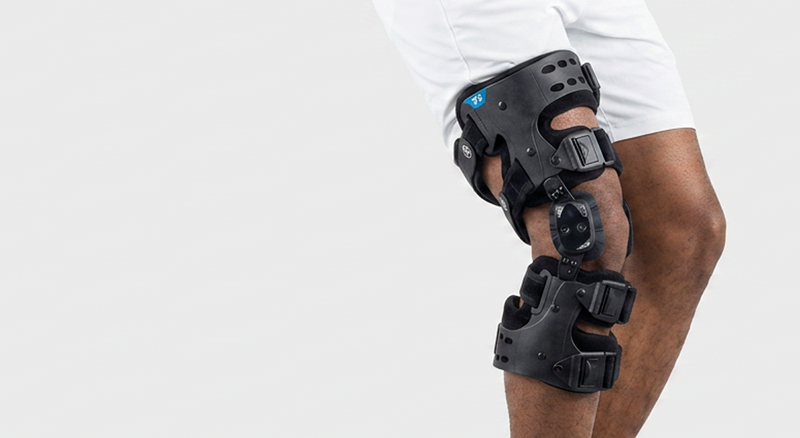
Knee braces & OA offloader braces
Ankle braces & walking boots
Shoulder immobilizers & slings
Post-op shoes
Cold therapy & cryo compression braces
Eligibility ultimately depends on your specific plan and provider. If you're ever unsure whether a product qualifies, your HSA/FSA administrator can confirm before you check out.
How to pay with your HSA/FSA card
Add your items to cart and proceed to checkout as you normally would on braceapedia.com.
Select your HSA or FSA debit card as the payment method at checkout, just like you would with any other debit card.
Complete your purchase. In most cases, your card will be accepted automatically since Braceapedia products are categorized as eligible medical equipment.
Save your receipt. Download or screenshot your order confirmation and itemized receipt from your account or confirmation email, and keep a copy somewhere safe.
If your card is declined at checkout
Some HSA/FSA cards use automated systems that don't always recognize every merchant correctly. If your card doesn't go through, you can complete your purchase with a regular debit or credit card and submit your itemized receipt directly to your HSA/FSA provider for reimbursement instead.
Always save a copy of your transaction
Even when your HSA/FSA card is accepted without issue, it's a good habit to keep a copy of your order confirmation and receipt. If your plan administrator ever requests documentation to verify that a purchase was a qualified medical expense, having your records on hand makes that quick and easy to resolve.
We recommend you:
Save the order confirmation email from your purchase
Download or screenshot your itemized receipt
Store both somewhere easy to find, like a dedicated folder
Keep records for as long as your provider recommends
Frequently asked questions
Do I need a prescription to use my HSA/FSA card?
No — most over-the-counter orthopedic braces, including those sold by Braceapedia, do not require a prescription for HSA/FSA eligibility. Some plans may request a Letter of Medical Necessity for specialized products, so check with your provider if you're unsure.
What if my HSA/FSA card doesn't work at checkout?
You can pay with another card and submit your itemized receipt to your plan administrator for reimbursement. Keep in mind that for a refund to go back to your original payment method, your HSA/FSA card generally needs to still be active.
Can I use a Dependent Care FSA (DCFSA) or Limited-Purpose FSA (LPFSA)?
No. Orthopedic and surgical supports are not eligible under Dependent Care FSAs or Limited-Purpose FSAs. They are eligible under standard FSAs, HSAs, and Health Reimbursement Arrangements (HRAs).
Where do I find my receipt after I've placed an order?
Your order confirmation is emailed to you at checkout, and you can also find your full order history and itemized receipts in your Braceapedia account under Order History.

